
BitFlip
binary ⇄ decimal, on the fly
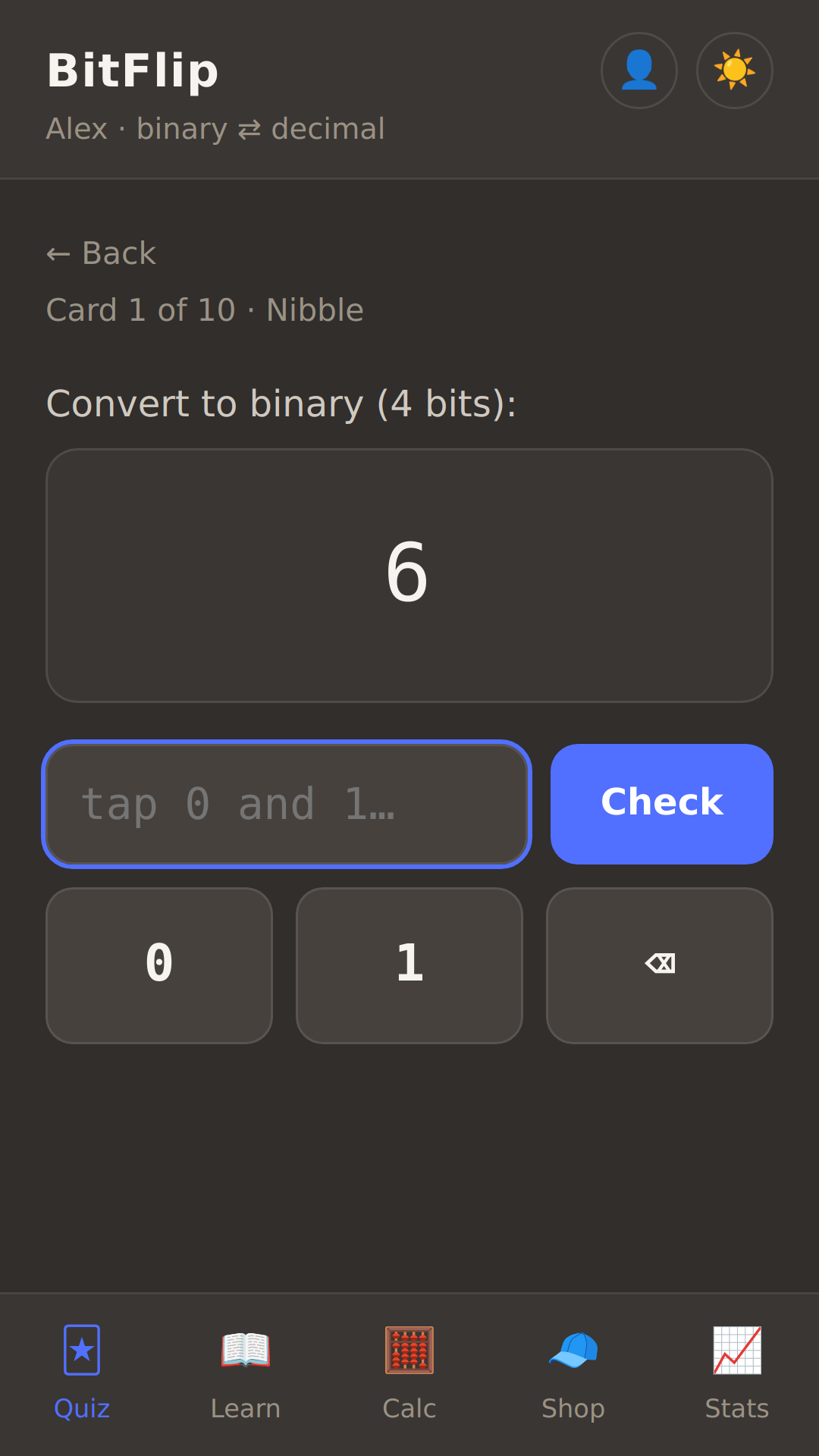
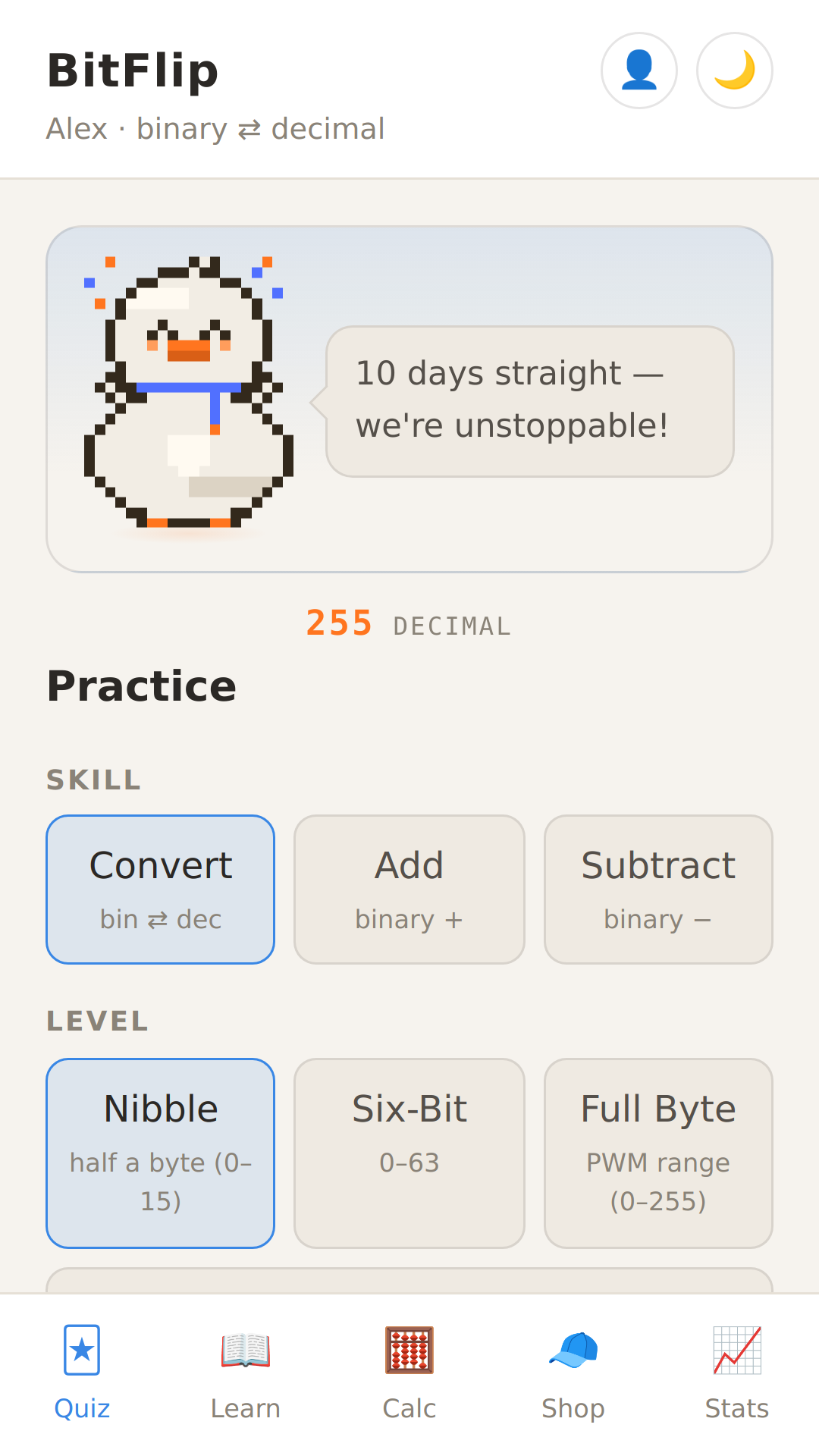
BitFlip turns binary practice into a daily habit — flash cards, binary addition and subtraction, a tap-the-bits calculator, and a pixel study buddy who cheers your streak. No ads, no accounts, and nothing you do ever leaves your phone.
Coming soon to Google Play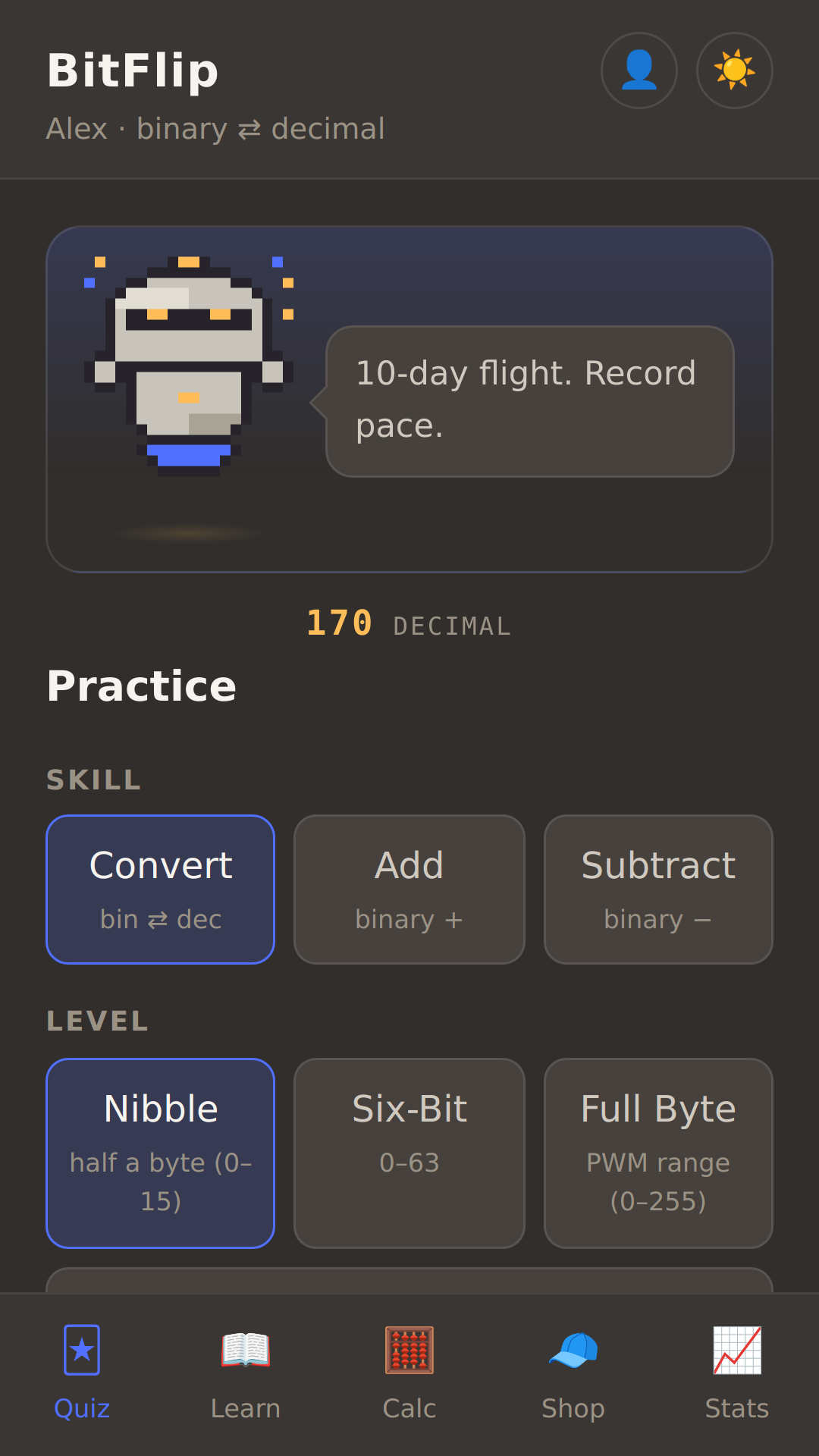
Help test BitFlip 🧪
BitFlip is in closed beta on Google Play, and we need a handful of Android testers before it can launch. It takes two minutes to join — and as thanks, beta testers get the Pro version free, forever: when BitFlip launches, we'll send you a code that unlocks everything, for good. Grateful duck included.
1Email us the Google account email that's active on your Android phone (usually a Gmail address) — that's how Google lets us invite you.
2We'll reply with an invite link. Tap it on your phone, choose "become a tester", and install BitFlip from the Play Store like any other app.
3Keep it installed for two weeks (Google's rule, not ours!) and tell us anything — what confused you, what you liked, what broke. That's the whole job.
The button opens an email with the details filled in — or just write to the beta address yourself.
What's inside
🃏 Quiz
Flash-card sessions: convert, add and subtract binary numbers, from nibbles to full bytes. Levels unlock as your accuracy grows.
📖 Learn
A friendly, from-zero explanation of how binary works — place value, powers of two, and why computers count this way.
🧮 Calc
A bit-pad calculator: tap bits on and off and watch the decimal value change. Nibble, byte, word and dword.
🧢 Shop & buddies
Earn bits by practising and spend them on hats, sunglasses and hangout scenes for your pixel study buddy.